
Dex-chan lover
- Joined
- Nov 9, 2018
- Messages
- 1,708
See manga discussion about suprise tits
look through chapter in question
see tits
Mfw

See manga discussion about suprise tits
look through chapter in question
see tits

Yeah, why do some people do this? Is it on purpose or they that crazy?>text below image instead of above


it works well in some cases, but it requires a (relatively small) resized image and a blank line between the image and text. for example:
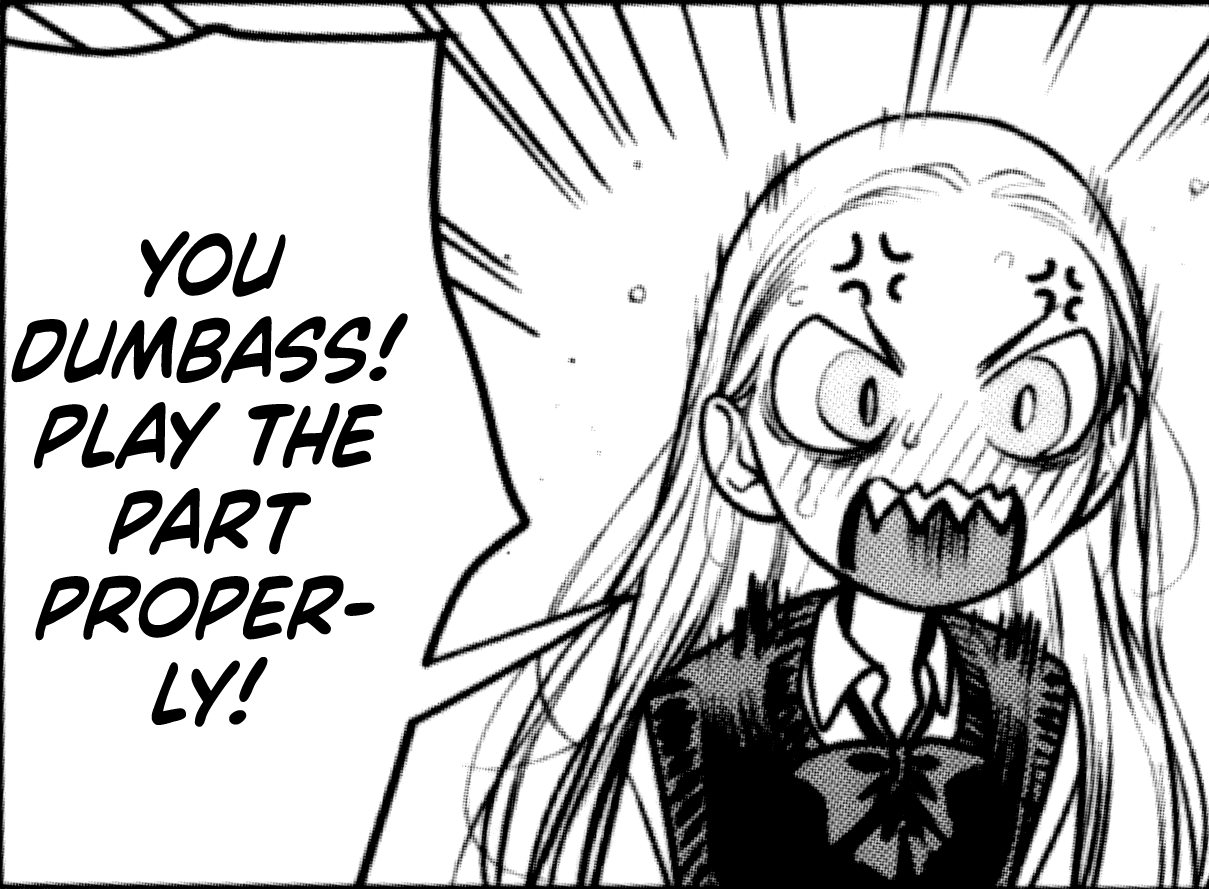

am I perchance the "certain user"? O_OHey, the guy who into BDSM with certain user.

some people are just lazy.Yeah, why do some people do this? Is it on purpose or they that crazy?
insert mind explosion gifam
am I perchance the "certain user"? O_O

Leaving the resizing aside, how can you tell if it's uploaded directly or not, does any data saving apply? For me it literally doesn't matter what gadget I use, it always displays properly.>non-resized image
>directly uploaded to XenForo
>text below image instead of above
>posted from mobile
yeah, i'd rather be forgorren in cases like these
i only know two ways to tellLeaving the resizing aside, how can you tell if it's uploaded directly or not, does any data saving apply? For me it literally doesn't matter what gadget I use, it always displays properly.

Sex again when?am
am I perchance the "certain user"? O_O
Leaving the resizing aside, how can you tell if it's uploaded directly or not, does any data saving apply? For me it literally doesn't matter what gadget I use, it always displays properly.
another way you can tell is opening the image in a separate tab, and checking the url.i only know two ways to tell
1. when you quote the message and hit post, the image in quotes will instead be "view attachment [#####]"
2. the file name of the attachment will be visible if you click/open it (as opposed to a site like Imgur that generates random strings)
my place, 25th of August, very sloppySex again when?
i only know two ways to tell
1. when you quote the message and hit post (or preview), the image in quotes will instead be "view attachment [#####]"
2. the file name of the attachment will be visible if you click/open it (as opposed to a site like Imgur that generates random strings)
So it's not only for the uploader then? Well, I only see advantatges, for big images (or multiple images) I use spoilers but there's also the option of using thumbnails.another way you can tell is opening the image in a separate tab, and checking the url.
if it says "forums.mangadex.org/attachments/", that means the image has been directly uploaded here
otherwise, if it says "/proxy.php", then you would know the image was uploaded in a different website
Sex again when?
reported for NSFWmy place, 25th of August, very sloppy
And thus they found two corpses belonging to two youngsters that died from heatstroke and dehydratation.my place, 25th of August, very sloppy
using thumbnails how? and idk how resizing is on mobile, but on desktop if you resize a large image to be much smaller, you can then click on it in the post and it'll expand to its full sizeSo it's not only for the uploader then? Well, I only see advantatges, for big images (or multiple images) I use spoilers but there's also the option of using thumbnails.
using thumbnails are a privilege for those with roles.using thumbnails how? and idk how resizing is on mobile, but on desktop if you resize a large image to be much smaller, you can then click on it in the post and it'll expand to its full size



I have never seen either 'thumbnail' or 'full image'. I'm guessing you guys see that when you directly upload the image while writing a post?using thumbnails are a privilege for those with roles.


