Cutie of the Day

Contributor
Joined
Nov 18, 2018
Messages
19,503
You can do WHAT?!
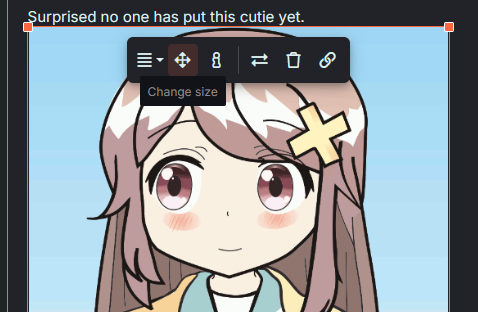
I don't know how it on mobile, but on PC if you click the image after inserting it, you can click the corners and resize it. Or you can click the arrows button and type in a button.
u0bdp2.png
 
Purple Loli Behind the Slaughter
Joined
Apr 11, 2024
Messages
3,900
I don't know how it on mobile, but on PC if you click the image after inserting it, you can click the corners and resize it. Or you can click the arrows button and type in a button.
u0bdp2.png
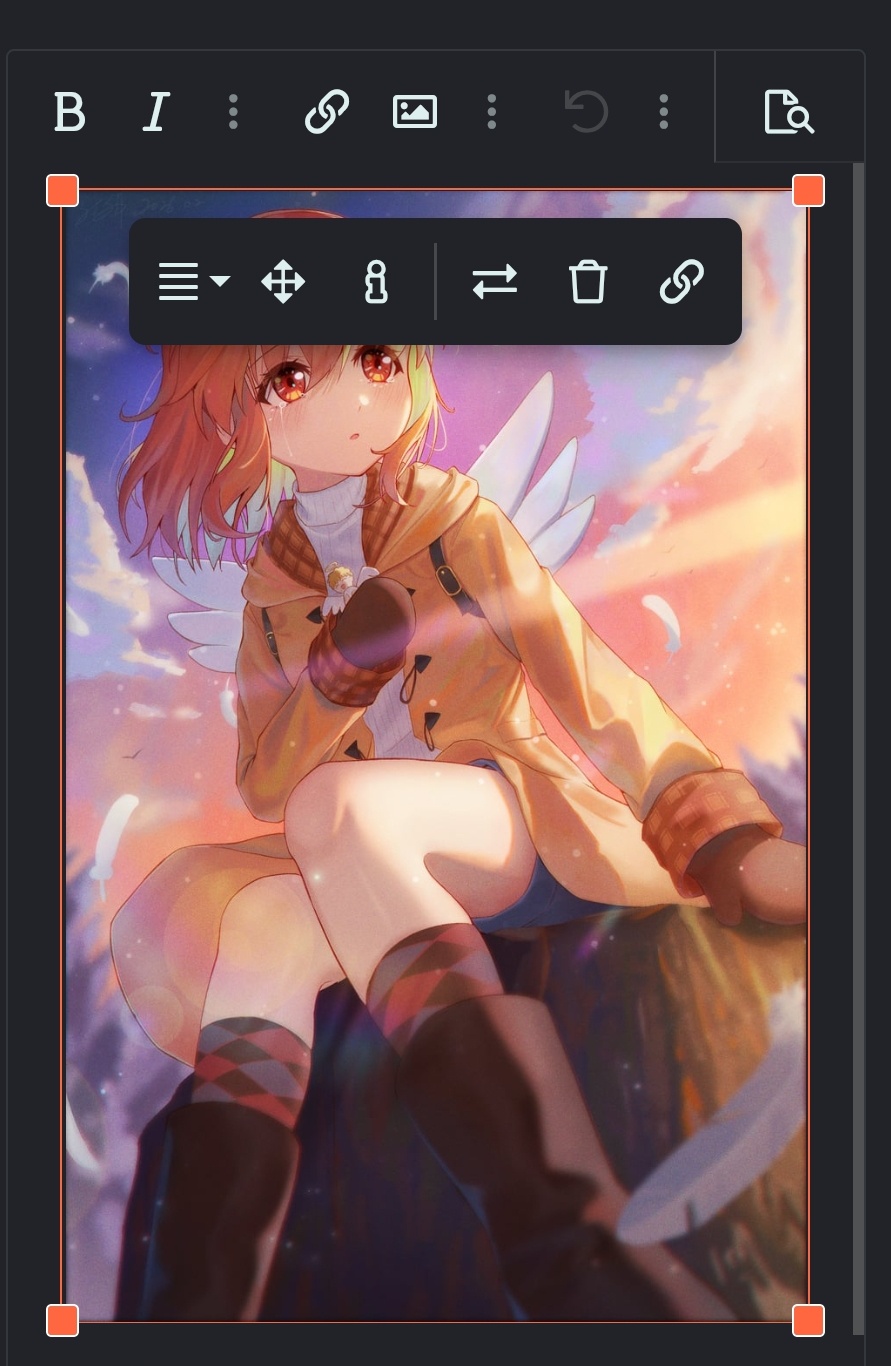
same thing on mobile, click the image after inserting it, click and drag the corners to resize it or click the arrows button to resize it to a specific dimension

8s8NM78.jpeg

is this small enough for you, @BakedBanana?
 
Purple Loli Behind the Slaughter
Joined
Apr 11, 2024
Messages
3,900
Yeah I forgot that mobile users have a smaller view. I guess you guys can't do anything about it, huh.. Rip.
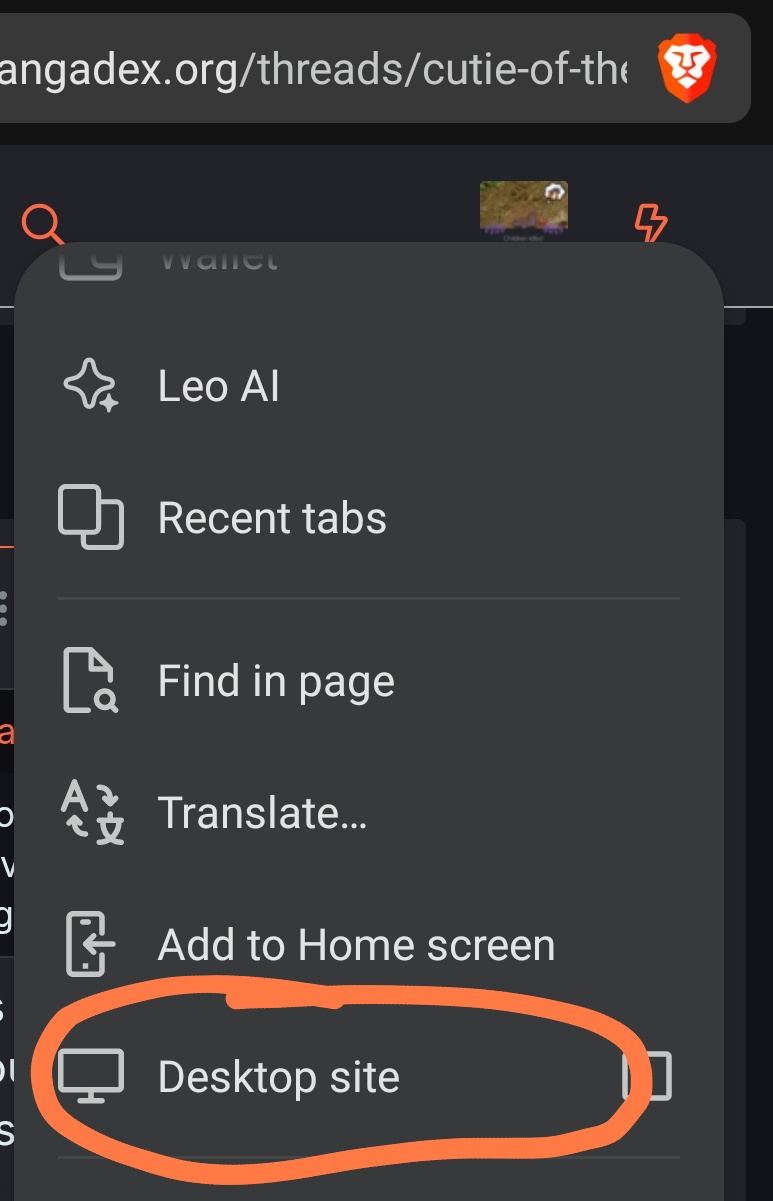
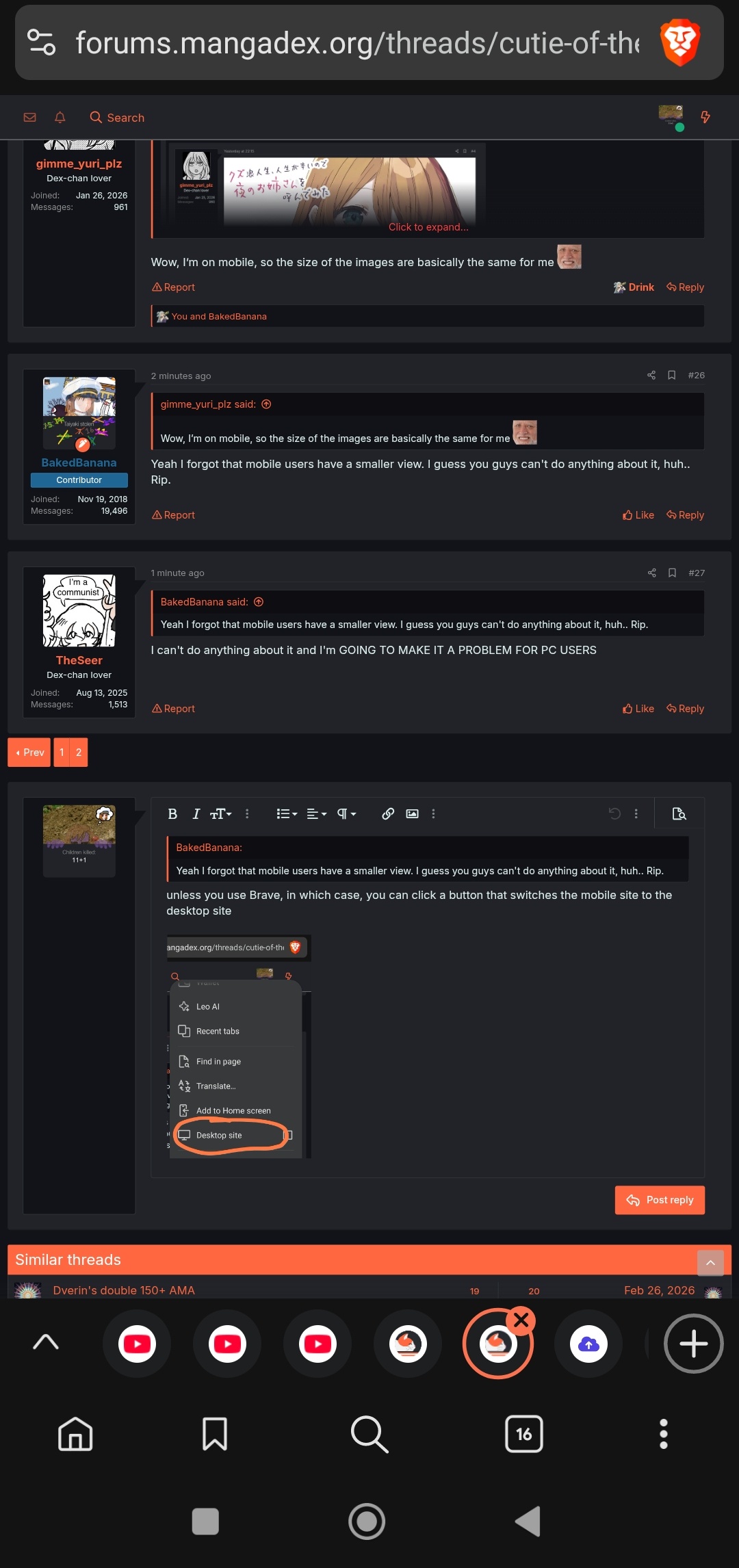
unless you use Brave, in which case, you can click a button that switches the mobile site to the desktop site

QGTsl7N.jpeg


before:
9ap9pBA.jpeg


after:
EpKxktN.jpeg

note that this feature has certain bugs, so it's advised you primarily use the mobile site and only use the desktop site for specific circumstances
 
Dex-chan lover
Joined
Jan 25, 2026
Messages
965
odd, I can tap and drag the image corners on my Brave, why couldn't you? :thonk:
Even switching to desktop view doesn’t work, the site continues on mobile view. Weird

Edit: The desktop view displays correctly on other sites but not on MD for me.
 
Last edited:

Users who are viewing this thread

Top