
- Joined
- Nov 18, 2018
- Messages
- 21,559
I don't know how it on mobile, but on PC if you click the image after inserting it, you can click the corners and resize it. Or you can click the arrows button and type in a button.You can do WHAT?!
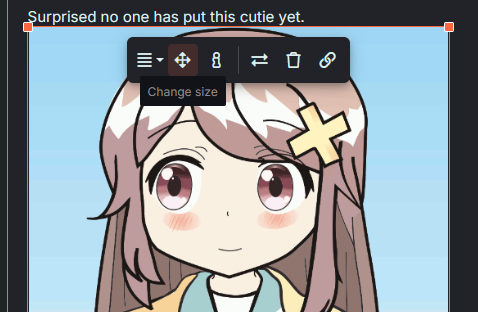
I don't know how it on mobile, but on PC if you click the image after inserting it, you can click the corners and resize it. Or you can click the arrows button and type in a button.You can do WHAT?!

Are the images too big?Also you guys know you can resize your images, right?


same thing on mobile, click the image after inserting it, click and drag the corners to resize it or click the arrows button to resize it to a specific dimensionI don't know how it on mobile, but on PC if you click the image after inserting it, you can click the corners and resize it. Or you can click the arrows button and type in a button.
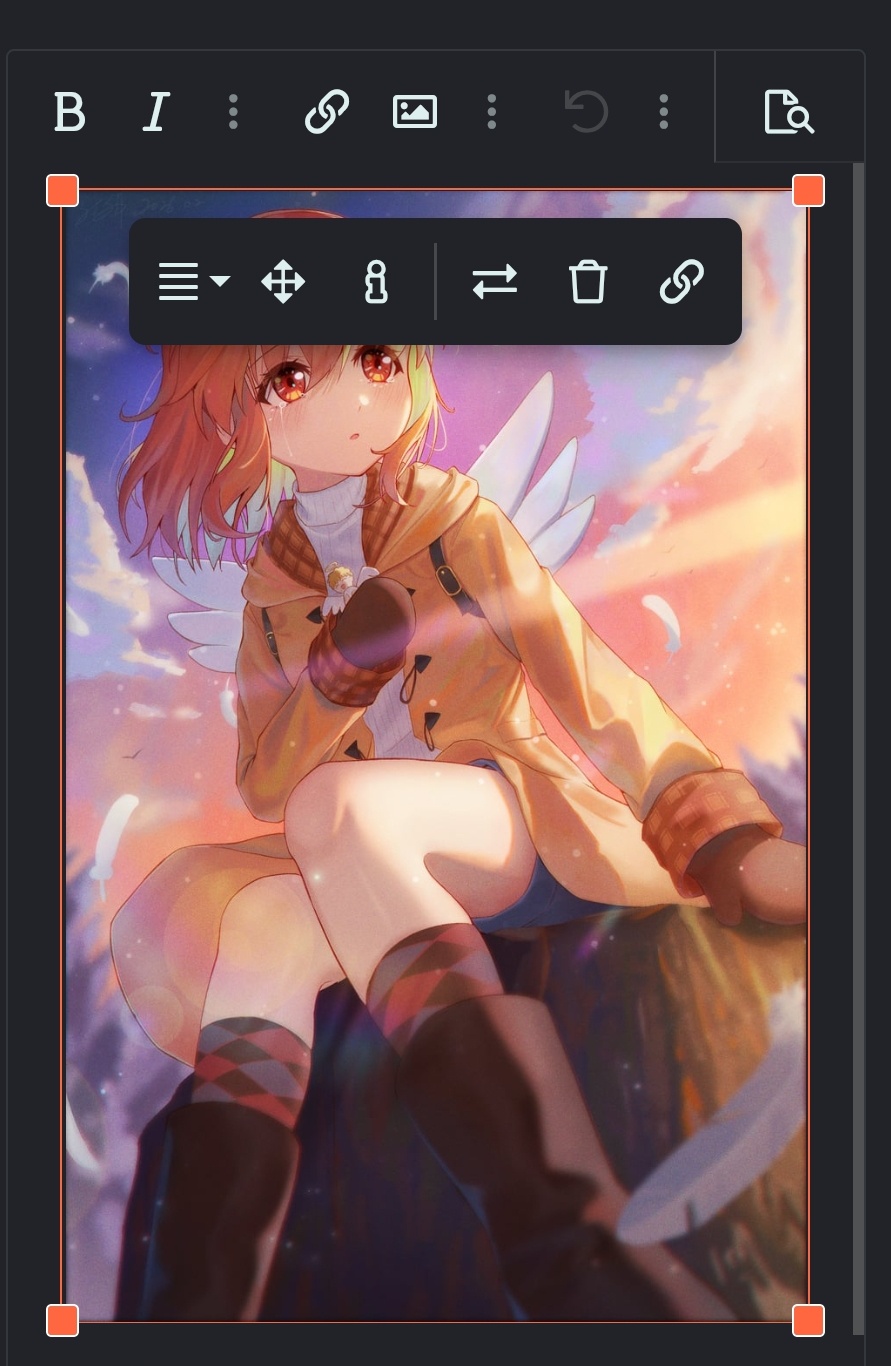
Wow, I’m on mobile, so the size of the images are basically the same for meYeah, it looks like this to me.


Yeah I forgot that mobile users have a smaller view. I guess you guys can't do anything about it, huh.. Rip.Wow, I’m on mobile, so the size of the images are basically the same for me
I can't do anything about it and I'm GOING TO MAKE IT A PROBLEM FOR PC USERSYeah I forgot that mobile users have a smaller view. I guess you guys can't do anything about it, huh.. Rip.
Not working heresame thing on mobile, click the image after inserting it, click and drag the corners to resize it or click the arrows button to resize it to a specific dimension
is this small enough for you, @BakedBanana?
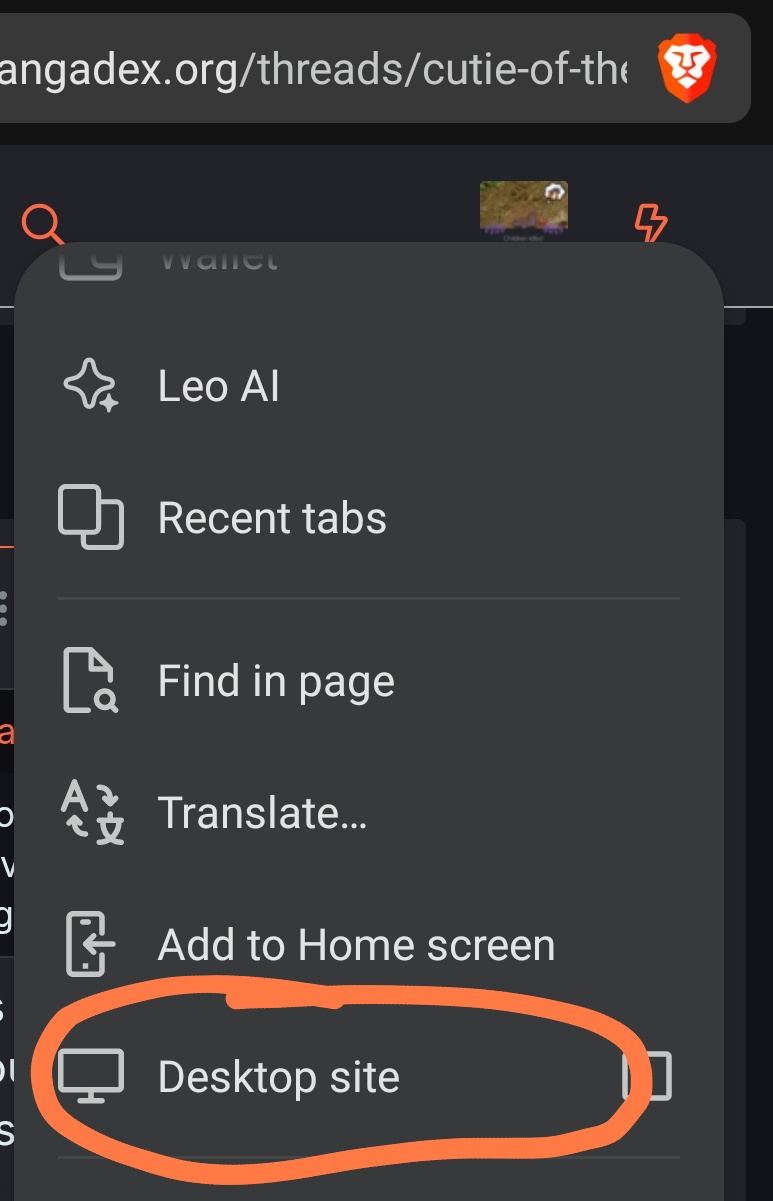
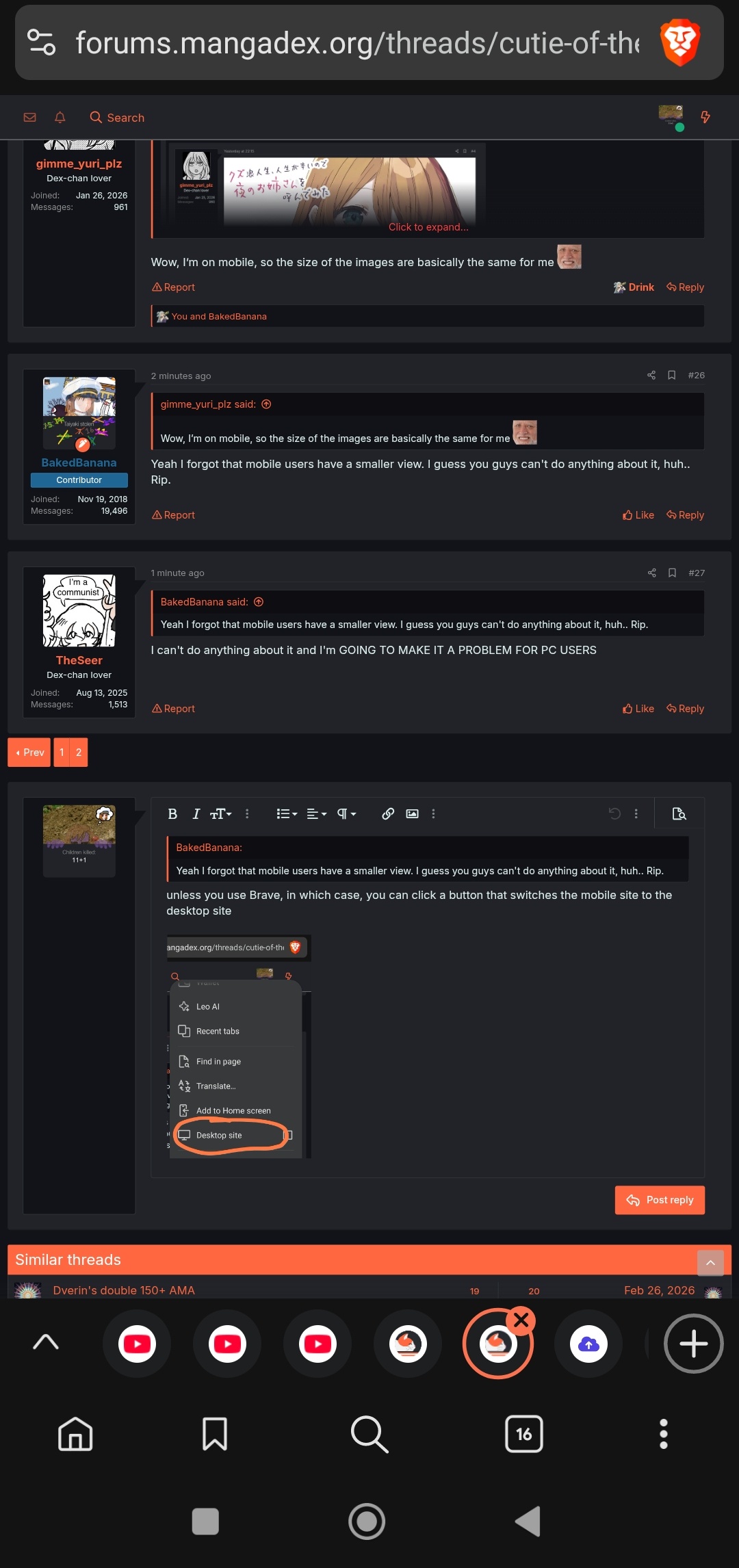
unless you use Brave, in which case, you can click a button that switches the mobile site to the desktop siteYeah I forgot that mobile users have a smaller view. I guess you guys can't do anything about it, huh.. Rip.

what browser do you useNot working here
I tried to change the size. Not sure if looks good on desktopNot working here
I was in Brave, switched to Safariwhat browser do you use
I tried to change the size. Not sure if looks good on desktop


Or if you prefer a more confident cute:Surprised no one has put this cutie yet.

Source
Also you guys know you can resize your images, right?

odd, I can tap and drag the image corners on my Brave, why couldn't you?I was in Brave, switched to Safari
on Safari I can at least set the width and height in pixels. The dragging feature doesn’t work in neither browser
Even switching to desktop view doesn’t work, the site continues on mobile view. Weirdodd, I can tap and drag the image corners on my Brave, why couldn't you?





GAHHHHH ETERNA SUGAR COOKIE!!!!! ILYETERNAL SUGAR COOKIE !!!!!!!!


