They are emogi listed in the forum's own smilies index, so I thought they were part of the Xenforo forum software.
The issue would make more sense if they were emogi I tried to import. 😅
They are emogi listed in the forum's own smilies index, so I thought they were part of the Xenforo forum software.
The issue would make more sense if they were emogi I tried to import. 😅
They even show normally when selected and loaded onto the post, but in preview and when posted into the forum, hey show as
🪠 < that's a plunger by the way 😅
They even show normally when selected and loaded onto the post, but in preview and when posted into the forum, hey show as
🪠 < that's a plunger by the way 😅
I was about to blame Edge, but those specific unicode characters do not render on my device (Chrome on Windows) either. Since Edge ist just a reskinned Google Chrome that does make some sense. As mentioned above, installing an Emoji font could fix this issue.
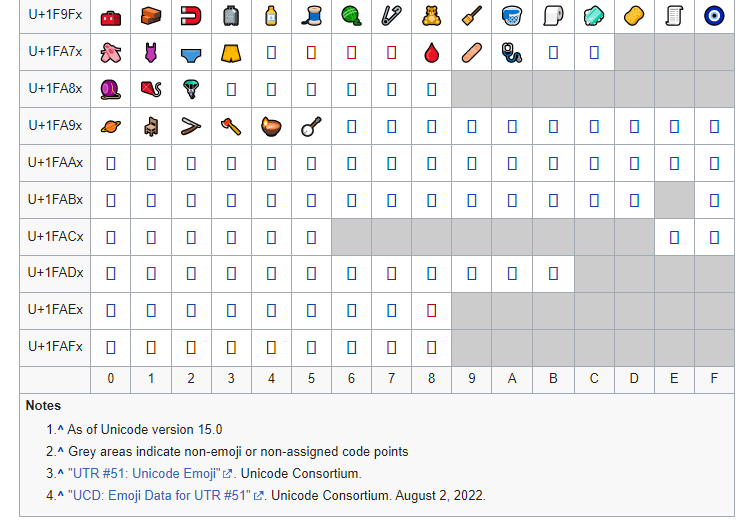
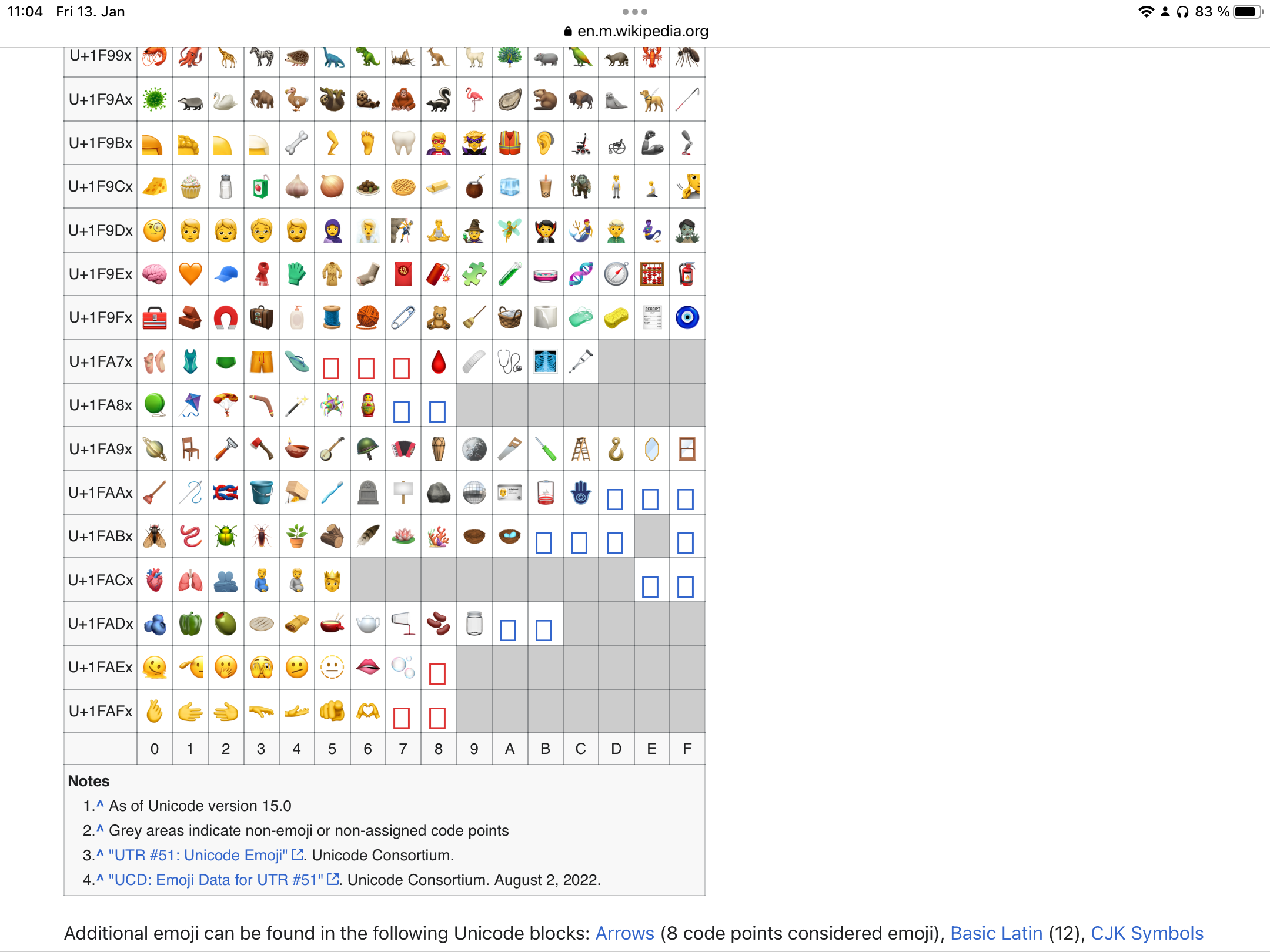
If you want to test which Emoji unicode characters your browser can render you can check the Wikipedia page. The plunger is in the U+1FAAx row.
This is how it looks on my Google Chrome
This is how it looks on the latest Safari on iPadOS
Only Firefox renders the emogi that become squares correctly, but it has the same issues with Twitter TowaArt, and Pando's cntrl+C image inserts as my particular Edge 109 browser. Only Opera renders the embeds, but won't render the emogi.
The Unicode doesn't work on Opera either but I think I'll dump Edge and Firefox for now, and stick with Opera because a few glitchy emogi are less troublesome then embed image fails.